
ScaleUp is a free AI‑driven plugin for Adobe After Effects and Premiere Pro that upscales footage up to 10× while preserving detail and reducing noise, using GPU‑accelerated neural processing via the Vulkan API.
Developed by vimager.
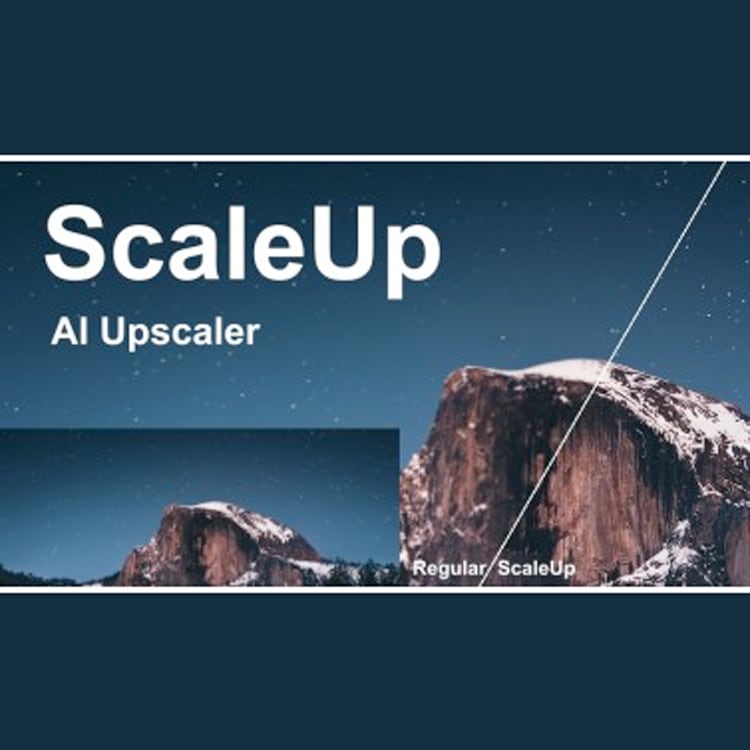
About ScaleUp
ScaleUp, developed by vimager, adds AI‑based upscaling directly inside Adobe After Effects and Premiere Pro on Windows 10/11 and macOS 10.15 or later. The plugin enlarges video up to ten times with minimal quality loss by applying a neural network that restores texture, reduces compression artifacts, and minimizes noise. Users can choose between Sharp mode, which enhances realistic detail, and Cartoon mode, which preserves edges in animated content. All processing runs on a compatible GPU through Vulkan 1.1; Intel integrated graphics are unsupported. A GPU with at least 3 GB of VRAM is sufficient for HD footage, while larger memory is advisable for UHD or higher resolutions. The interface provides one‑click upscaling within the host applications.
Features
- Enlarges footage by up to 10 times with minimal image quality loss
- Neural network analyzes large amounts of images and clips to increase resolution while preserving detail
- Reduces noise and block effects in compressed video and recovers lost textures from low-resolution images
- Sharp mode for better perceptual quality with fine details and a more realistic look
- Cartoon mode for upscaling cartoon footage, preserving and enhancing edges while eliminating compression artifacts
- GPU-accelerated through the Vulkan API for After Effects and Premiere Pro on Mac and Windows
- Simple, user-friendly controls that upscale with a single click
Best for
Professionals who need to upscale low‑resolution or heavily compressed video inside After Effects or Premiere Pro while maintaining visual quality.
Frequently asked questions
Does ScaleUp support After Effects and Premiere Pro 2026?
Yes. ScaleUp works with Adobe After Effects and Premiere Pro versions 2020 through 2026 on both Windows and macOS.
What GPU does ScaleUp need?
ScaleUp requires a GPU whose driver supports Vulkan 1.1; Intel integrated GPUs are not supported. At least 3 GB of VRAM is needed for HD footage, with more memory recommended for UHD.
Which operating systems does ScaleUp run on?
The plugin runs on Windows 10 and 11 and on macOS 10.15 or later, provided the system includes a Vulkan‑compatible GPU.
What is the difference between Sharp mode and Cartoon mode in ScaleUp?
Sharp mode focuses on realistic detail and perceptual quality, while Cartoon mode is tuned for animated footage, preserving edges and removing compression artifacts.
Is ScaleUp free to use?
The catalog lists ScaleUp as free. Licensing details should be confirmed on the developer’s website.
Related plugins
Explore ScaleUp
View download and installation options.