
AEJuice Shape Elements provides 777 animated shapes in 32 categories with editable colors, usable in After Effects, DaVinci Resolve, and various other video editors via the AEJuice Pack Manager.
Download AEJuice Shape Elements ↗
Developed by AEJuice.
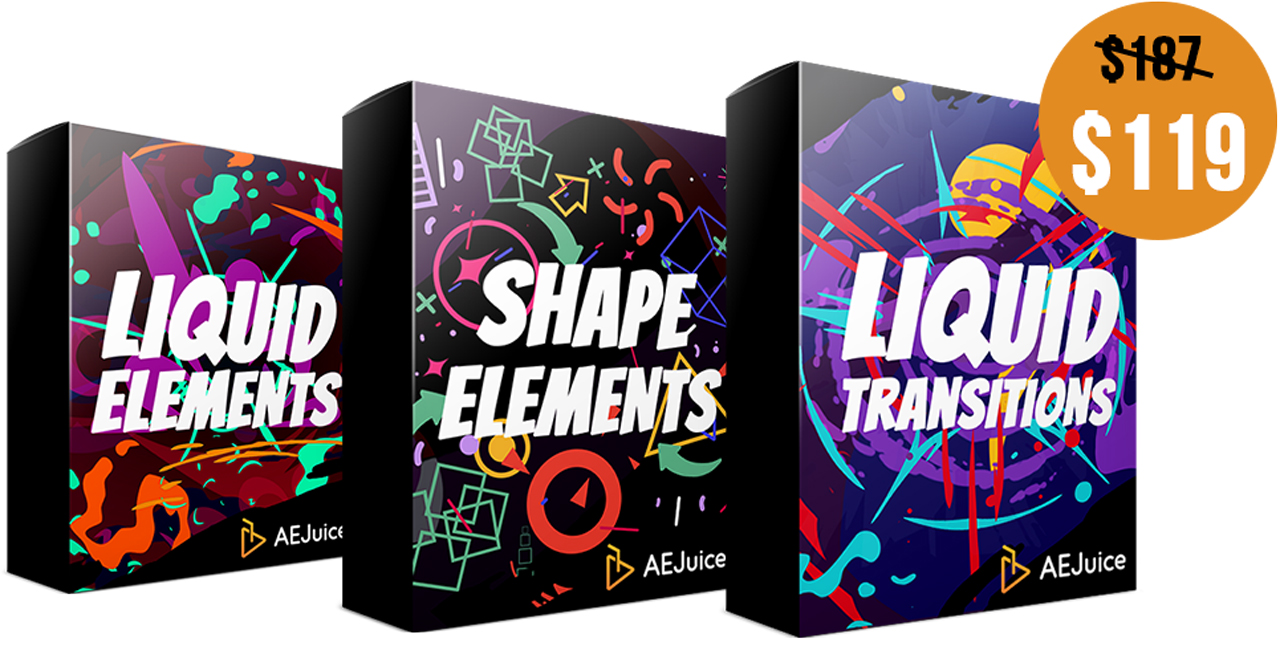
About AEJuice Shape Elements
AEJuice Shape Elements gathers 777 animated elements organized into 32 categories, each offering editable colors. Most categories are built with After Effects layers, and the pack operates through the AEJuice Pack Manager, which supplies fast preview, drag‑and‑drop import, and a favorites system. Compatibility spans After Effects CS6 through CC 2023 or higher, as well as Premiere Pro CC 2022 or higher. The elements can also be used in DaVinci Resolve, Final Cut Pro X, Sony Vegas, Avid, Apple Motion, iMovie, OBS, Filmora 9, and Photoshop. The pack is listed as free, though licensing terms should be confirmed on the developer’s site.
Features
- 777 animated elements
- Editable colors across every element
- 32 categories
- Most categories created with After Effects layers
- AEJuice Pack Manager features including fast preview, drag-and-drop import, and favorites
Best for
Creating title sequences, lower thirds, and other motion‑graphics templates in After Effects, DaVinci Resolve, and supported third‑party editors.
Frequently asked questions
Does AEJuice Shape Elements work with After Effects CS6?
Yes. AEJuice Shape Elements supports After Effects from CS6 through CC 2023 or higher, including intermediate CC releases such as 2014, 2015, 2017, 2018, 2019, 2020, and 2021.
Can I use AEJuice Shape Elements in DaVinci Resolve or other editors?
Yes. The pack works in DaVinci Resolve and a range of other video editors, including Final Cut Pro X, Sony Vegas, Avid, Apple Motion, iMovie, OBS, Filmora 9, and Photoshop, by exporting the elements as video with transparent or black backgrounds.
Is AEJuice Shape Elements free?
The listing marks AEJuice Shape Elements as free, allowing the pack to be downloaded without a purchase, but users should verify current licensing terms on the developer’s page.
Does AEJuice Shape Elements use the AEJuice Pack Manager?
Yes. All elements are accessed through the AEJuice Pack Manager, which provides fast preview, drag‑and‑drop import, and a favorites feature for efficient workflow.
Related plugins
Explore AEJuice Shape Elements
View download and installation options.