
FxFactory Face Blur automatically detects, blurs, and pixelates human faces in After Effects, Premiere Pro, DaVinci Resolve, Final Cut Pro X, and Motion. An Object Blur plug‑in provides tracking‑based concealment for faces or any object, working on both Apple Silicon and Intel Macs.
Download FxFactory Face Blur ↗
Developed by FxFactory.
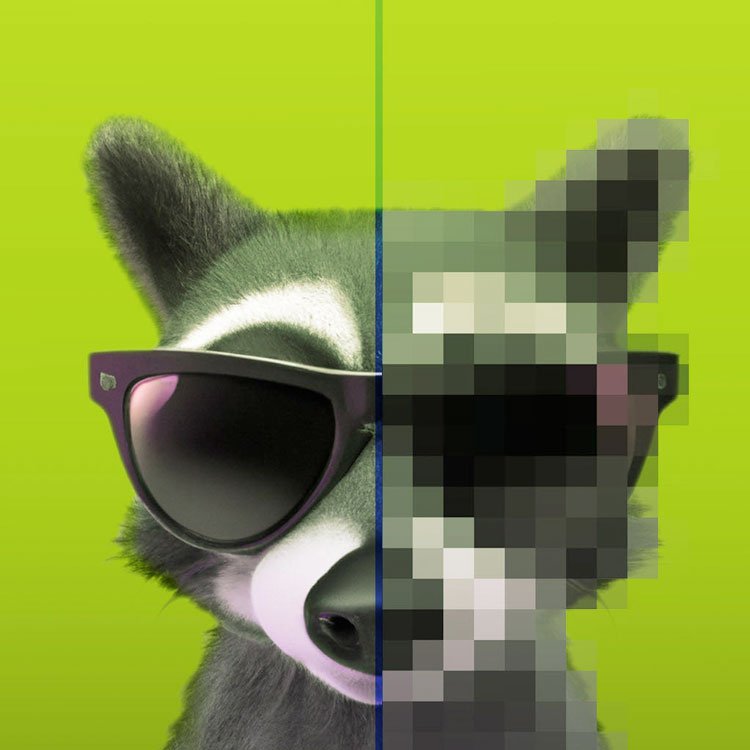
About FxFactory Face Blur
FxFactory Face Blur detects and conceals human faces across After Effects, Premiere Pro, DaVinci Resolve, Final Cut Pro X, and Motion. It can handle multiple faces simultaneously, tracking each face’s size and tilt independently to maintain consistent output as subjects move. Users may choose blur or pixelate effects, limit the effect to a single face, or invert the result for vignette‑style shading. Fourteen built‑in presets are shared across all supported applications and can be exchanged with other users. When automatic face detection fails—such as with low‑resolution or noisy footage—the included Object Blur plug‑in employs object tracking, allowing any element in the frame to be concealed while using the same presets and configuration. The plug‑ins run on macOS with both Apple Silicon and Intel processors and require the free Noise Industries FxFactory runtime; FxFactory Pro, a paid version, shares identical system requirements.
Features
- Automatic detection, blurring, and pixelation of human faces, with multiple faces handled at once
- Independent tracking of each face’s relative size and tilt angle
- Option to blur or pixelate all faces or limit the effect to a specific face
- Custom graphic files as shape masks, where bright areas define the visible portions
- Output inversion for vignette effects that adjust to the location of all faces
- 14 built-in presets, shareable across apps or with other users
- Included Object Blur plug-in using object tracking, usable alongside Face Blur on the same timeline
Best for
Concealing faces or other objects in video footage across major macOS editing applications.
Frequently asked questions
Does FxFactory Face Blur work in DaVinci Resolve and Premiere Pro?
Yes. FxFactory Face Blur runs in DaVinci Resolve and Premiere Pro, as well as Final Cut Pro X, Motion, and After Effects, on both Apple Silicon and Intel‑based Macs.
Does FxFactory Face Blur need FxFactory installed to run?
The plug‑in requires the Noise Industries FxFactory runtime to operate; FxFactory is available as a free download, while FxFactory Pro is a paid version with the same system requirements.
What happens if automatic face detection fails on my footage?
If automatic face detection cannot identify faces, the bundled Object Blur plug‑in uses object tracking instead, allowing any element to be tracked and concealed with the same presets.
Can FxFactory Face Blur blur multiple faces at once?
The plug‑in can detect and process multiple faces at once, applying blur or pixelation to all detected faces or to a selected individual, with independent tracking of each face’s size and angle.
Is FxFactory Face Blur free?
The product is listed as free. It runs on the free FxFactory runtime; however, FxFactory Pro is a separate paid offering that uses the same system requirements.
Related plugins
Explore FxFactory Face Blur
View download and installation options.