
Goodbye Greenscreen is an AI matting plugin for After Effects and Premiere Pro that offers several AI models, selectable GPU or CPU processing, and hardware acceleration on supported systems.
Download Goodbye Greenscreen ↗
Developed by Blace Plugins.
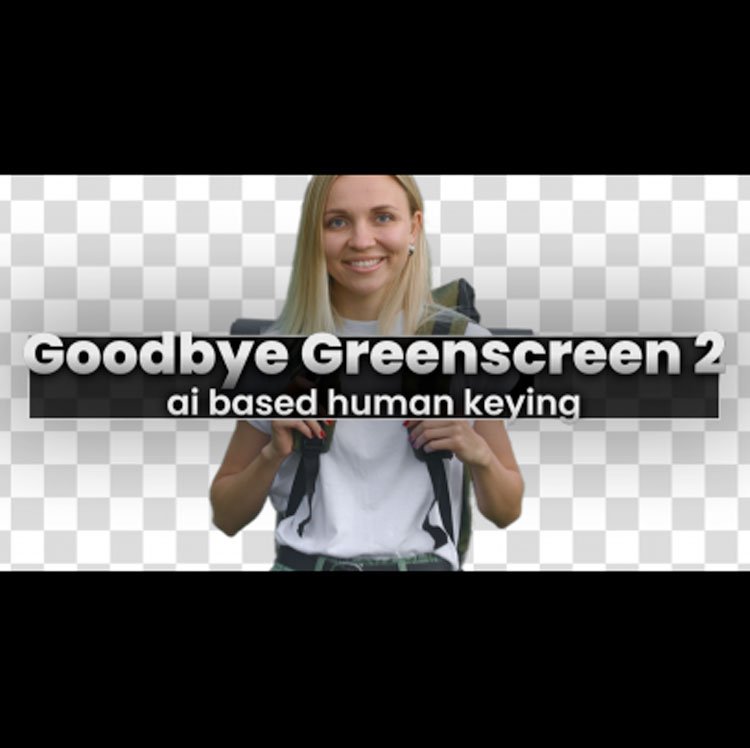
About Goodbye Greenscreen
Goodbye Greenscreen is a matting plugin for After Effects and Premiere Pro, developed by Blace Plugins. It includes multiple AI matting models, with BiRefNet as the default, and can run in GPU or CPU mode. On Windows, GPU processing requires an Nvidia graphics card, though recent updates add limited AMD GPU support for some models. macOS users receive hardware‑accelerated processing for all models. For renders larger than 4K, a CUDA Memory Sharing option can speed up processing, and a Stop Processing button lets users cancel lengthy operations. The plugin supports 16‑bit compositions and is compatible with After Effects 2026‑2023 and Premiere Pro 2024‑2022.
Features
- Multiple matting models, with BiRefNet as the default
- GPU and CPU processing modes (GPU mode may be less stable than CPU)
- Hardware-accelerated matting on macOS
- CUDA Memory Sharing option to accelerate rendering above 4K
- Stop Processing button to cancel long-running computations immediately
- 16-bit composition support
- AMD GPU support for some models on Windows
Best for
Editors and compositors who need AI‑based matting in After Effects or Premiere Pro and want the option to use GPU acceleration when available.
Frequently asked questions
Which After Effects and Premiere Pro versions does Goodbye Greenscreen support?
Goodbye Greenscreen supports After Effects versions 2026, 2025, 2024, and 2023, as well as Premiere Pro versions 2024, 2023, and 2022.
Does Goodbye Greenscreen need an Nvidia GPU on Windows?
On Windows the GPU version requires an Nvidia graphics card; a recent update also adds limited AMD GPU support for some models. CPU mode is available on any supported hardware.
Is Goodbye Greenscreen free?
The catalog lists Goodbye Greenscreen as free, but a free trial is provided and purchasing may be required for full licensing beyond the trial period.
What’s the difference between GPU and CPU mode in Goodbye Greenscreen?
GPU mode uses the graphics processor to accelerate matting but may be less stable than CPU mode; CPU mode runs on the processor and is generally more stable. macOS runs all models with hardware acceleration.
Related plugins
Explore Goodbye Greenscreen
View download and installation options.