
Node Color Tools Pie is a free Blender add-on that lets you color multiple selected nodes via quick or precise pie menus, with options for preset, custom, random, copy, and removal, plus a sidebar fallback and hotkey customization.
Download Node Color Tools Pie ↗
Developed by Lumpengnom.
About Node Color Tools Pie
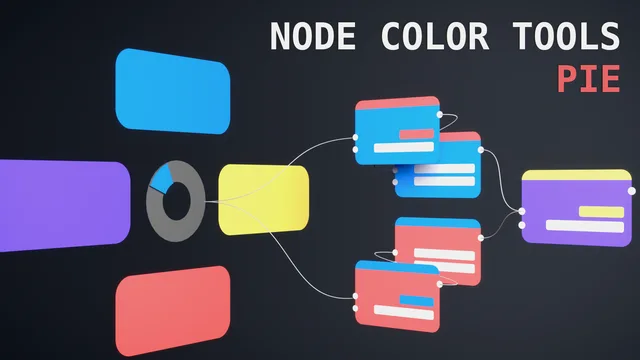
Node Color Tools Pie is a Blender add-on designed to manage node colors in complex node trees. It provides two pie menus: a Quick Color menu offering preset hard‑coded colors, random assignment, removal, and copying of the active node’s color; and a Precise Color menu where you can define and save up to five custom colors, with the same random, copy, and removal functions. Both menus operate on multiple selected nodes simultaneously. A sidebar menu contains all functions except the hard‑coded presets, offering a traditional interface alternative. Hotkeys are configurable in the add-on preferences. Version 1.0.3 adds compatibility with Blender 4.4 by detecting the Blender version and selecting appropriate icon names. The add-on runs on Blender 4.2 LTS and newer and requires no special permissions.
Features
- Quick Color Pie Menu for preset hard-coded colors, random color assignment, color removal, and copying the active node’s color, all with directional selection
- Precise Color Pie Menu where you set and save five custom colors, plus random, copy, and remove functions
- Colors multiple selected nodes at once
- Sidebar menu containing every function except the hard-coded colors, as a backup to the pie menus
- Customizable hotkeys available in the add-on preferences
- Blender version checking that selects the corresponding icon names, added for 4.4 compatibility in 1.0.3
Best for
Organizing and visualizing large node networks in Blender.
Frequently asked questions
Does Node Color Tools Pie work with Blender 4.4?
Yes. Node Color Tools Pie supports Blender 4.2 LTS and newer, and version 1.0.3 adds explicit compatibility with Blender 4.4, handling renamed Sequencer icons by checking the Blender version.
What can the two pie menus in Node Color Tools Pie do?
The Quick Color Pie Menu applies preset hard‑coded colors, assigns random colors, removes colors, and copies the active node’s color to other selected nodes. The Precise Color Pie Menu lets you set and save five custom colors and includes the same random, copy, and removal functions.
Can I use Node Color Tools Pie without the pie menus?
Yes. The add‑on includes a sidebar menu that provides all functions except the hard‑coded preset colors, allowing use without the pie menus. Hotkeys can also be customized for direct access.
Is Node Color Tools Pie free to use?
The add‑on is listed as free and is distributed under the GNU General Public License v3.0 or later. No payment is required to download or use it.
Related plugins
Explore Node Color Tools Pie
View download and installation options.