
AutoSway is a free After Effects script from ada scripts that adds sway motion to layers using Puppet Pins and a generated SwayControl layer. Users place start and end pins, apply, then adjust sway via the control layer.
Developed by ada scripts.
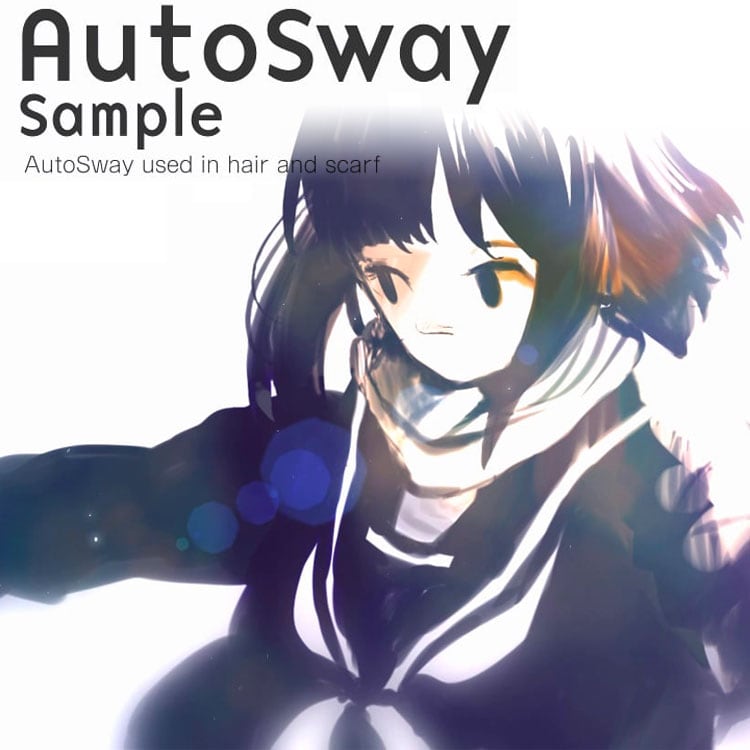
About AutoSway
AutoSway is a script for Adobe After Effects that animates sway motion on layers by applying Puppet Pins from a start point to an endpoint. After selecting the desired pins, the script creates a SwayControl layer that lets users fine‑tune the sway, decay, and rotation. The tool supports batch processing of multiple layers by selecting the start‑point layer first and the end‑point layer last. Additional functions include Bake and UnBake, conversion of curves to straight lines, and built‑in handling of PseudoEffects. A help panel is accessible via a “?” button in the options menu. AutoSway is compatible with After Effects versions from CS5 through the 2026 release, covering CS5.5, CS6, CC, CC 2014‑2019, and the yearly 2020‑2026 editions. The script is listed as free, though activation may be required.
Features
- Applies Puppet Pins from a start point to an endpoint on the target layer
- Creates a SwayControl layer for adjusting the sway
- Bake and UnBake
- Decay setting
- Convert curves into straight lines, curve adjustment, and rotation
- Built-in PseudoEffects handling
- Help function opened from the “?” button in the option menu
Best for
Applying sway motion to After Effects layers using Puppet Pins and a controllable SwayControl layer.
Frequently asked questions
Which After Effects versions does AutoSway support?
AutoSway lists compatibility with After Effects versions from CS5 through the 2026 release, including CS5.5, CS6, CC, CC 2014‑2019, and the yearly 2020‑2026 editions.
How does AutoSway apply sway to a layer?
The script adds Puppet Pins between a start point and an endpoint on the target layer, then creates a SwayControl layer; users adjust sway parameters on that control layer.
Is AutoSway free to use?
The catalog marks AutoSway as free, but the script uses an online activation framework that may require a license purchase or activation step.
Where can I find help inside AutoSway?
Help is available inside the script via a “?” button in the lower‑left corner of the option menu; a demo video is also provided by the developer.
Related plugins
Explore AutoSway
View download and installation options.