
Grab-It is a free Blender add‑on from Xane Studios that lets animators attach objects or bones to other objects and release them later, using a three‑click workflow that works with motion blur and supports Blender 3.0‑5.0.
Developed by Xane Studios.
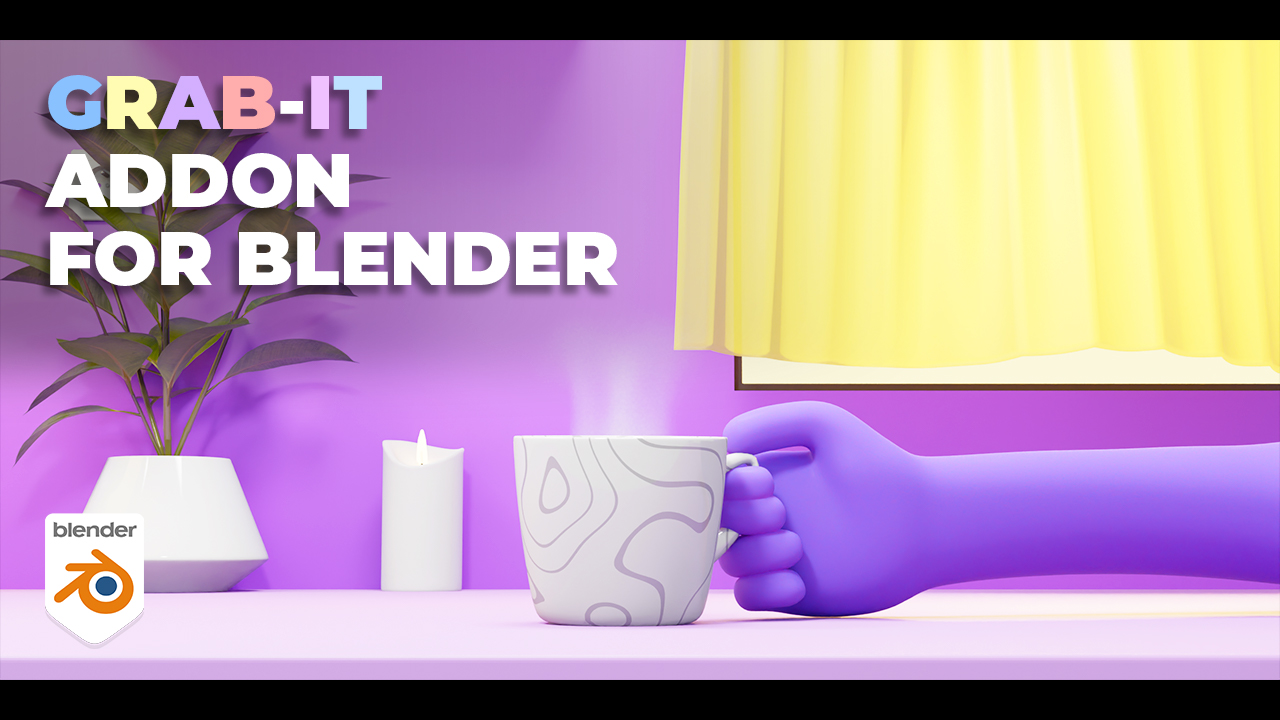
About Grab-It
Grab-It, developed by Xane Studios, is a lightweight (≈5 KB) Blender add‑on designed to simplify object‑attach and release animations. Users move to the desired frame, press Grab, select the target, press Parent, then move to the release frame and press Drop. The add‑on detects the last selected bone in object or pose mode, creates markers for pick‑up and drop points, and includes Clear options to remove markers or all operations. It functions during renders with motion blur and adds Start and End buttons to the timeline for quick preview range adjustments. Interactive tutorials are bundled, and the add‑on is released under the GPL license. Compatibility spans Blender versions 3.0 through 5.0.
Features
- Grab, Parent and Drop: attach an object or bone to another object at a chosen timeline point, then release it at a later point
- Bone Detection uses the last selected bone to grab an object when you’re in object or pose mode
- Markers indicate where an object was picked up and where it was dropped
- Clear options to remove markers or clear all grab operations
- Works when rendering with motion blur
- Start and End buttons added to the timeline for setting the preview range
- Lightweight 5kb add-on that sits in the sidebar, with interactive tutorials included in the package
Best for
Animators who need to quickly set up character interactions that involve attaching and releasing objects or bones within Blender.
Frequently asked questions
Which Blender versions does Grab-It support?
Grab-It is compatible with Blender versions 3.0 through 5.0.
How do you grab and drop objects with Grab-It?
The workflow uses three clicks: move to the grab frame and press Grab, select the object and press Parent, then move to the drop frame and press Drop; bone detection uses the last selected bone in object or pose mode.
Does Grab-It work when rendering with motion blur?
Yes, the add‑on functions correctly when rendering with motion blur.
Is Grab-It free to use?
The catalog lists Grab-It as free and it is released under the GPL license; pricing terms are subject to change by the developer.
What changed in Grab-It version 1.0.5?
Version 1.0.5 added support for extra scenes and introduced Start and End buttons on the timeline to set preview ranges quickly.
Related plugins
Explore Grab-It
View download and installation options.