
AEJuice Analog Glitch provides 70 pre‑rendered 4K H264 analog‑style glitch video clips that can be dragged onto the timeline in After Effects, DaVinci Resolve, Premiere Pro and other editors.
Download AEJuice Analog Glitch ↗
Developed by AEJuice.
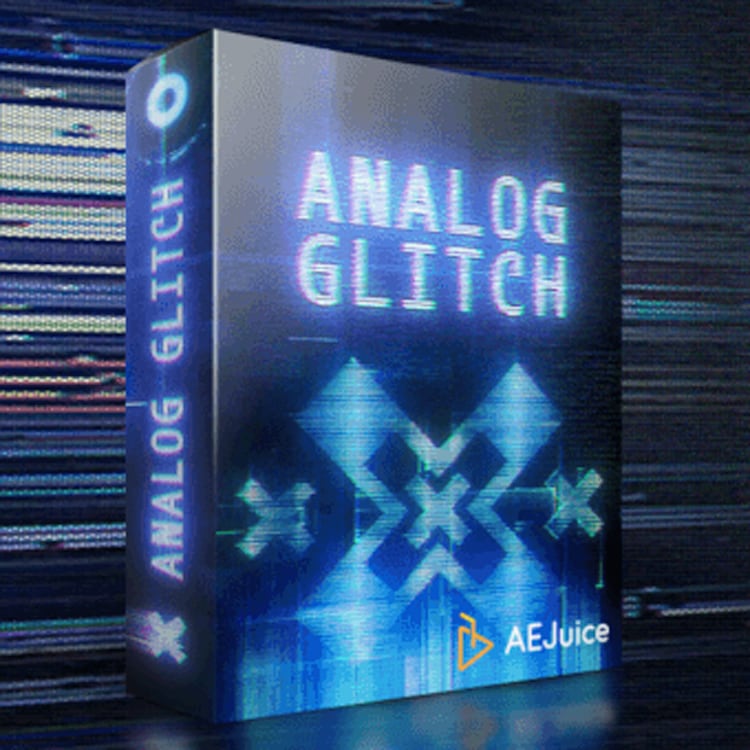
About AEJuice Analog Glitch
AEJuice Analog Glitch is a collection of 70 animated glitch shapes delivered as 4K H264 video files (3840×2160). Because the assets are pre‑rendered, they can be imported into any video editing application, including After Effects, Premiere Pro, DaVinci Resolve, Final Cut Pro X, Sony Vegas, Avid and others. Users drag the clips onto their timeline and apply blending modes to achieve a Matrix‑ or Cyberpunk‑style visual effect, suitable for music videos, social media content, and advertisements. The pack also includes Pack Manager utilities such as fast preview, drag‑and‑drop import and favorites, plus high‑speed download of the files.
Features
- 70 animated analog-style glitch shapes
- Pre-rendered 4K H264 videos at 3840×2160
- All Pack Manager features, including fast preview, drag-and-drop import, and favorites
- High-speed download
- Drag-and-drop onto the timeline and combine using blending modes
- Works in After Effects, Premiere Pro, and any video editor, including DaVinci Resolve
Best for
Music videos, social‑media clips, and advertisements that need a high‑resolution analog glitch aesthetic.
Frequently asked questions
Which After Effects versions does AEJuice Analog Glitch support?
AEJuice Analog Glitch supports After Effects CS6, CC 12, CC 2014, CC 2015, CC 2017, CC 2018, CC 2019, CC 2020, CC 2021, CC 2022 and newer versions. Older versions marked with an asterisk are supported only as an After Effects project file without the plugin.
Does AEJuice Analog Glitch work in DaVinci Resolve and Premiere Pro?
Yes. Because the clips are standard 4K H264 video files, they can be imported into DaVinci Resolve and any other editor. For Premiere Pro, compatibility is listed for CC 2021, CC 2022 and later versions.
How do you use AEJuice Analog Glitch in a project?
To use the pack, drag the desired glitch video clip onto your timeline, then adjust its blending mode or opacity as needed. The included Pack Manager features allow quick preview and organization of the 70 shapes before placement.
Is AEJuice Analog Glitch free?
The catalog lists AEJuice Analog Glitch as free, but licensing terms may change. Check the developer’s website for the current price and license details before downloading.
Related plugins
Explore AEJuice Analog Glitch
View download and installation options.