
AEJuice Countdown is a cinematic countdown template for After Effects, Premiere Pro, DaVinci Resolve and other video editors. It lets you edit text, replace a logo and adjust colors, and supports output up to 4K in horizontal, square and vertical formats.
Developed by AEJuice.
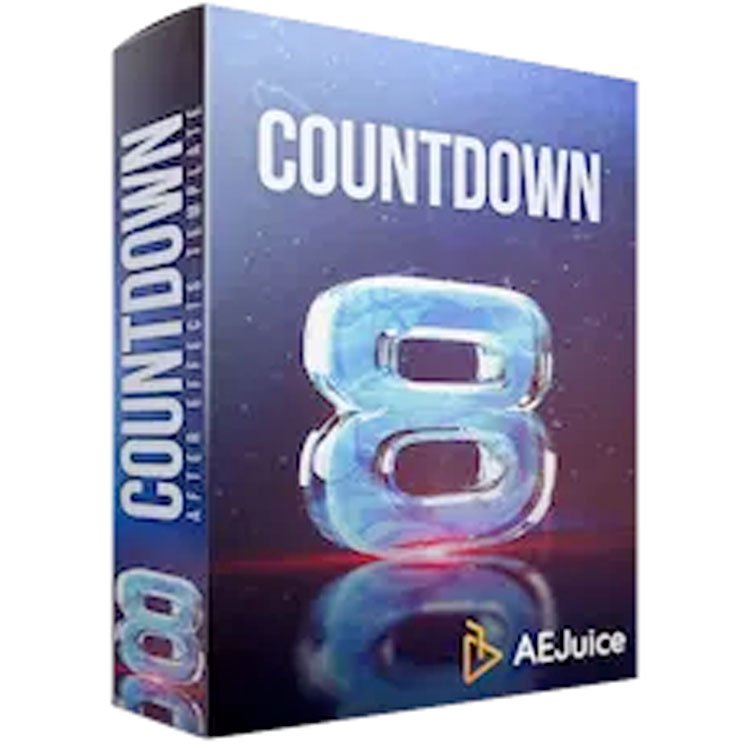
About AEJuice Countdown
AEJuice Countdown is a cinematic countdown template built for Adobe After Effects (CC 2015 or higher), Adobe Premiere Pro (CC 2021 or higher), Final Cut Pro (10.4.9 or higher) and other video‑editing applications. In After Effects and Premiere Pro the project is fully editable – you can change text layers, drop a logo into designated placeholders, and modify colors via Color Controls. For DaVinci Resolve, Sony Vegas, OBS and similar editors the template is delivered as video footage with either a transparent or black background, so customization must be done beforehand in After Effects or Premiere Pro. The template automatically adapts to resolutions from horizontal through square to vertical, supporting up to 4K output. It works on Windows 10 or later and macOS 10.14 or later, including Apple M1 and M2 hardware. All assets are managed through the AEJuice Pack Manager, which handles preview, download, import and favorites.
Features
- Customizable in After Effects and Premiere Pro by editing text layers, adding a logo to Logo Placeholders, and changing colors with Color Controls
- Presented as video footage with a transparent or black background for other video editors
- Drag-and-drop preview elements through an intuitive interface
- AEJuice Pack Manager for fast preview, download, import and favorites
- Works with any fonts, with automatic font installation for most animations
- Supported up to 4K
- Auto-adjustment for horizontal, square, vertical and in-between resolutions
Best for
Editors and motion designers who need a cinematic countdown that can be customized in After Effects or Premiere Pro and used as ready‑made footage in other video‑editing tools, with resolution flexibility up to 4K.
Frequently asked questions
What software versions does AEJuice Countdown support?
AEJuice Countdown runs on Windows 10 or higher and macOS 10.14 or higher, including M1 and M2 hardware. Supported software includes Adobe After Effects (CC 2015+), Adobe Premiere Pro (CC 2021+), Final Cut Pro (10.4.9+), and it can be used as footage in other editors such as DaVinci Resolve, Sony Vegas, Avid, Apple Motion, OBS, Filmora 9, Photoshop and Movie Maker.
Can I customize AEJuice Countdown in DaVinci Resolve?
Customization – editing text, swapping logos and changing colors – is only available in After Effects and Premiere Pro. In DaVinci Resolve the template is supplied as video footage with a transparent or black background, so those edits cannot be made within Resolve.
Does AEJuice Countdown work with my own fonts?
Yes. The template works with any fonts. AEJuice automatically installs the fonts used for most animations, and you can replace them with your own fonts in the After Effects or Premiere Pro versions. In other editors the font choices must be set before exporting the footage.
Is AEJuice Countdown free?
The catalog lists AEJuice Countdown as free. Licensing terms may change, so checking the developer’s page for the current agreement is recommended.
Related plugins
Explore AEJuice Countdown
View download and installation options.