
AEJuice Liquid Elements provides over 1,200 hand‑drawn, frame‑by‑frame animation clips for After Effects, with export options for Premiere Pro and DaVinci Resolve, plus a style engine for rapid recoloring and effect changes.
Download AEJuice Liquid Elements ↗
Developed by AEJuice.
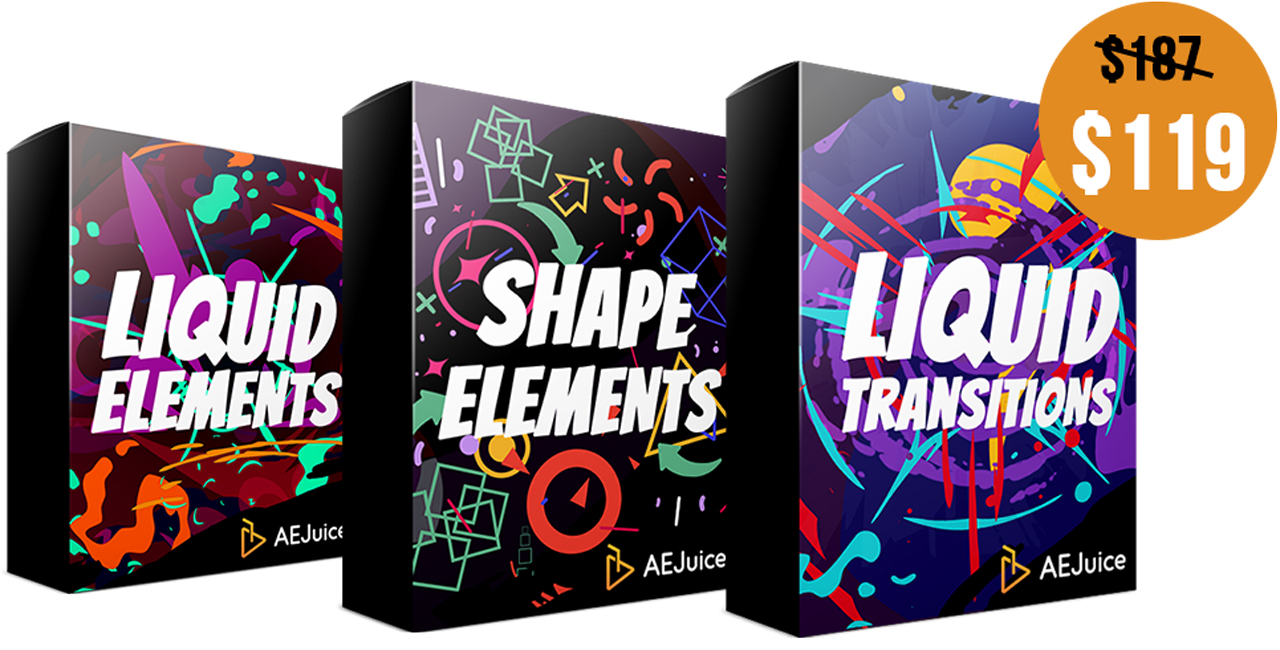
About AEJuice Liquid Elements
AEJuice Liquid Elements is a library of more than 1,200 frame‑by‑frame animations, each created at 12 fps using 100 % After Effects layers. The collection spans 50 + categories such as explosions, smoke, fire, lightning, water splashes and other liquid‑style elements. A built‑in style engine offers presets—including drop shadow, glow, pixelate, roughen edges, scatter, turbulence displacement, texture, animated texture, doodle, stroke, trim, and isometric—that can be applied to all elements with a single click, and colors can be changed globally. The Pack Manager panel provides fast preview, drag‑and‑drop import, and a favorites system; it opens with Ctrl + Tab (customizable) and supports shift‑letter shortcuts for category navigation. Elements can be exported as .mogrt files for Premiere Pro CC 2022 or newer, and as .json files via Bodymovin for Lottie on web, iOS and Android. Compatibility includes After Effects CS6 through 2023 or higher, Premiere Pro CC 2022+, DaVinci Resolve and a range of other video editors.
Features
- 1200+ frame-by-frame animations across 50+ categories, hand drawn at 12 fps and made of 100% After Effects layers
- Style engine with styles including regular, drop shadow, glow, pixelate, roughen edges, scatter, turbulence displacement, texture, animated texture, doodle, stroke, trim, and isometric, applied to all elements in one click
- Editable colors that can be changed across all elements in one click
- Pack Manager features including fast preview, drag-and-drop import, and favorites
- Premiere Pro export as .mogrt files and Lottie export as .json files via Bodymovin for Web, iOS, and Android
- Keyboard shortcuts: Ctrl + Tab to open or close the Pack Manager (customizable in the settings) and Shift plus a letter to jump to a category
- More than 10,000 style variations, with the option for advanced users to create custom styles and control them with code
Best for
Video editors and motion designers who need quick access to a large set of hand‑drawn liquid‑style animations for commercials, music videos, explainer clips, tutorials, events, and social‑media ads.
Frequently asked questions
Does AEJuice Liquid Elements work with After Effects CS6?
Yes. AEJuice Liquid Elements lists support for After Effects CS6 and later versions, including CC 12, CC 2014, CC 2015, CC 2017‑2023 and newer releases.
Can I use AEJuice Liquid Elements in Premiere Pro and DaVinci Resolve?
Yes. The library supports Premiere Pro CC 2022 or newer via .mogrt files and lists DaVinci Resolve among its compatible editors. It also exports Lottie .json files for web, iOS and Android.
How do I open the Pack Manager in AEJuice Liquid Elements?
The Pack Manager panel opens and closes with Ctrl + Tab, which can be reassigned in the settings. Pressing Shift and a letter jumps to the matching category.
Is AEJuice Liquid Elements free?
The catalog marks AEJuice Liquid Elements as free. Licensing terms may change, so users should verify the current terms on the developer’s site before downloading.
What changed in AEJuice Liquid Elements V2?
Version 2 adds more than 100 new elements across new categories (Arrows, Birds, Blood Splashes, Speedline Loops, Secondary Elements, Tears) and updates existing categories. It also introduces one‑click global color control, an alpha‑footage style option, and a tool to remove unused elements.
Related plugins
Explore AEJuice Liquid Elements
View download and installation options.