
AEJuice Split Screens offers a collection of pre‑made split‑screen templates for After Effects, Premiere Pro, DaVinci Resolve and other video editors, featuring animated and static frames in both horizontal and vertical orientations.
Download AEJuice Split Screens ↗
Developed by AEJuice.
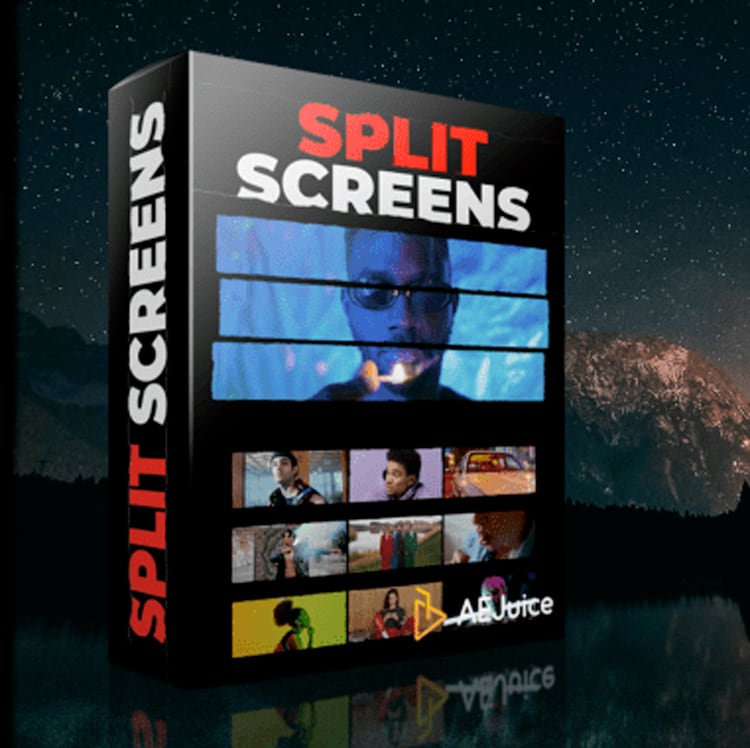
About AEJuice Split Screens
AEJuice Split Screens is a template pack that provides ready‑made split‑screen layouts for a range of video‑editing applications, including After Effects, Premiere Pro, DaVinci Resolve, Final Cut Pro X, Sony Vegas, Avid, Apple Motion, iMovie, OBS, Filmora and Photoshop. The pack contains horizontal and vertical formats and five frame styles: Animated Frames, Animated Frames Grain, Still Frames, Still Frames Clean, and Still Frames Grain. Templates are applied by drag‑and‑drop, either as a plugin (for supported After Effects and Premiere Pro versions) or as video files with transparency for other hosts. The package includes Pack Manager features such as fast preview, import and favorites, and supports After Effects CS6 through CC 2022 or higher (older versions via project files only). The last update was 2025‑08‑14.
Features
- Drag and drop layouts applied directly over your video
- Frame styles including Animated Frames, Animated Frames Grain, Still Frames, Still Frames Clean, and Still Frames Grain
- Pre-made layouts in both horizontal and vertical formats
- Pack Manager features such as fast preview, drag and drop import, and favorites
- High-speed download
Best for
Video editors who need quick, drag‑and‑drop split‑screen layouts across multiple editing platforms.
Frequently asked questions
Does AEJuice Split Screens work with Premiere Pro?
Yes. AEJuice Split Screens works in Premiere Pro CC 2021, CC 2022 and later versions. The templates are added by dragging the chosen layout onto the timeline.
Which After Effects versions does AEJuice Split Screens support?
The pack supports After Effects CC 2015, CC 2017, CC 2018, CC 2019, CC 2020, CC 2021, CC 2022 and newer releases. Older versions (CS6, CC 12, CC 2014) are available only as project files without the plugin.
Can AEJuice Split Screens be used in DaVinci Resolve or Final Cut Pro X?
The split‑screen assets are supplied as video files with transparency for editors such as DaVinci Resolve, Final Cut Pro X, Sony Vegas, Avid, Apple Motion, iMovie, OBS and Filmora, allowing use in those environments.
Is AEJuice Split Screens free?
The catalog marks AEJuice Split Screens as free, but the developer’s licensing terms may change. Verify the current price and license on the AEJuice website before downloading.
Related plugins
Explore AEJuice Split Screens
View download and installation options.