
AEJuice Animated Markers provides 300 pre‑rendered 4K (4000×4000) MOV animations with transparent backgrounds for After Effects, Premiere Pro, DaVinci Resolve and other video editors, supporting drag‑and‑drop import, color and scale adjustments via the AEJuice Pack Manager.
Download AEJuice Animated Markers ↗
Developed by AEJuice.
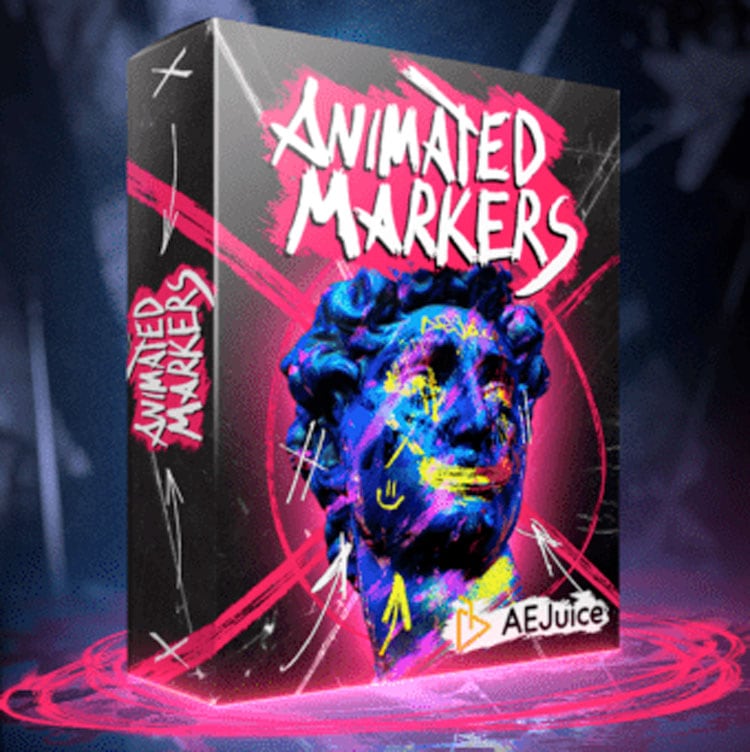
About AEJuice Animated Markers
AEJuice Animated Markers is a collection of 300 4K (4000×4000) frame‑by‑frame animated markers delivered as MOV files with transparent backgrounds. The pack works with After Effects versions from CS6 through CC 2022 or higher, Premiere Pro CC 2021 and newer, DaVinci Resolve, Final Cut Pro X, Sony Vegas, Avid, Apple Motion, iMovie, OBS and any editor that accepts transparent video. Markers can be previewed in the AEJuice Pack Manager, then dragged into a project where their color and scale can be adjusted. Because the animations are pre‑rendered videos, they render in real time on most systems. Complex shots may still require motion tracking, but most uses rely on simple drag‑and‑drop placement.
Features
- 300 frame-by-frame animated markers
- MOV files with a transparent background
- 4K+ resolution (4000×4000)
- Color change and scale adjustment per marker
- AEJuice Pack Manager: fast preview, drag and drop import, and favorites
- High-speed download
Best for
Video editors who need quick, high‑resolution animated marker overlays for music videos, tutorials, or other footage.
Frequently asked questions
Does AEJuice Animated Markers work with DaVinci Resolve and Premiere Pro?
Yes. The markers are supplied as transparent MOV files, so they can be imported into DaVinci Resolve, Premiere Pro (CC 2021, CC 2022 or newer) and many other editors that support such video formats.
What After Effects versions does AEJuice Animated Markers support?
Supported After Effects versions include CS6, CC 12, CC 2014, CC 2015, CC 2017, CC 2018, CC 2019, CC 2020, CC 2021, CC 2022 and higher. Older versions are handled via an After Effects project file.
Does AEJuice Animated Markers need motion tracking?
Most projects can place the markers through simple drag‑and‑drop. Complex scenes may require motion tracking, but tracking is not mandatory for the majority of uses.
Can you change the color and scale of AEJuice Animated Markers?
Each marker’s color and scale can be modified inside the host application after import. The Pack Manager also lets you preview and adjust these settings before dragging the file into your timeline.
Is AEJuice Animated Markers free?
The catalog lists the pack as free, but licensing terms may change. Verify the current pricing and license on the AEJuice developer page before downloading.
Related plugins
Explore AEJuice Animated Markers
View download and installation options.