
Pose Shape Keys is a free Blender add‑on by Mets that stores sculpted corrective shapes separately and re‑applies them to a modified base mesh, keeping shape keys intact through weight painting and bone‑constraint changes.
Developed by Mets.
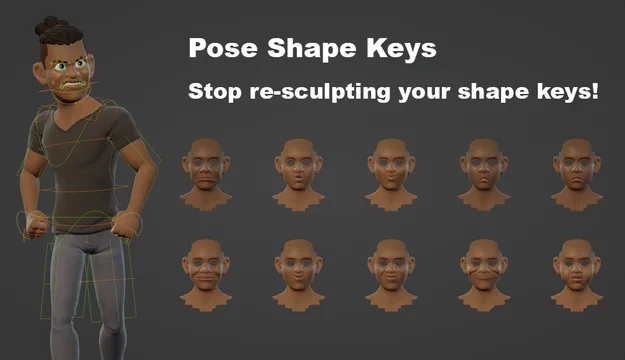
About Pose Shape Keys
Pose Shape Keys, developed by Mets, solves the problem of corrective shape keys breaking after vertex‑weight adjustments or bone‑constraint edits. The add‑on saves the final sculpted shapes apart from the base mesh and restores them when the mesh is modified, provided the topology remains unchanged. It supports symmetry workflows using per‑side mask vertex groups, allowing simultaneous authoring and propagation of both sides of a shape key. Users can also create multiple shape keys at once, such as breaking a Fist shape into individual finger joint keys, with an operator to normalize masks. Automatic driver set‑up handles simple cases, and version 1.0.0 adds options to filter bones by selection and side, as well as driver initialization with keyframes. Pose Shape Keys runs on Blender 4.2 LTS and newer.
Features
- Stores final sculpted shapes separately and re-applies them on a modified base mesh, as long as the topology hasn’t changed
- Symmetry workflow support: author and propagate both sides of your shape keys at once using a mask vertex group per side
- Authors multiple shape keys at once, for example a Fist shape broken up into individual finger joint shape keys via a mask vertex group per joint
- Operator to normalize the masks
- Automatic driver set-up for simple cases, with ‘Only Selected’ and ‘Side’ options to filter bones
- Drivers initialized with keyframes for custom curve editing
Best for
Blender riggers who need corrective shape keys to survive later weight‑painting or bone‑constraint changes.
Frequently asked questions
Does Pose Shape Keys work with Blender 4.2?
Yes. Pose Shape Keys is compatible with Blender 4.2 LTS and any newer version.
What happens to my shape keys when I change vertex weights in Pose Shape Keys?
The add‑on stores the final sculpted shapes separately and re‑applies them to the updated mesh, preserving the shape keys as long as the topology has not changed.
Can Pose Shape Keys handle symmetry and multiple shape keys at once?
Yes. It includes symmetry workflow support with per‑side mask vertex groups and can author multiple shape keys simultaneously, with an operator to normalize the masks.
Is Pose Shape Keys free to use?
The add‑on is listed as free and is released under the GNU GPL v3.0 or later. No payment is required to install or use it.
What changed in Pose Shape Keys version 1.0.0?
Version 1.0.0 refined automatic driver set‑up, adding ‘Only Selected’ and ‘Side’ filters, clamping driver values, initializing drivers with keyframes, and providing an error message for expressions exceeding the 16‑value limit.
Related plugins
Explore Pose Shape Keys
View download and installation options.