
AI Relight is a free plugin for After Effects (2022‑2025) and Premiere Pro 2025 that adds customizable virtual lights, letting users control light bounce, animate position and color, and render lights alone, with native Mac support.
Developed by Baskl.ai.
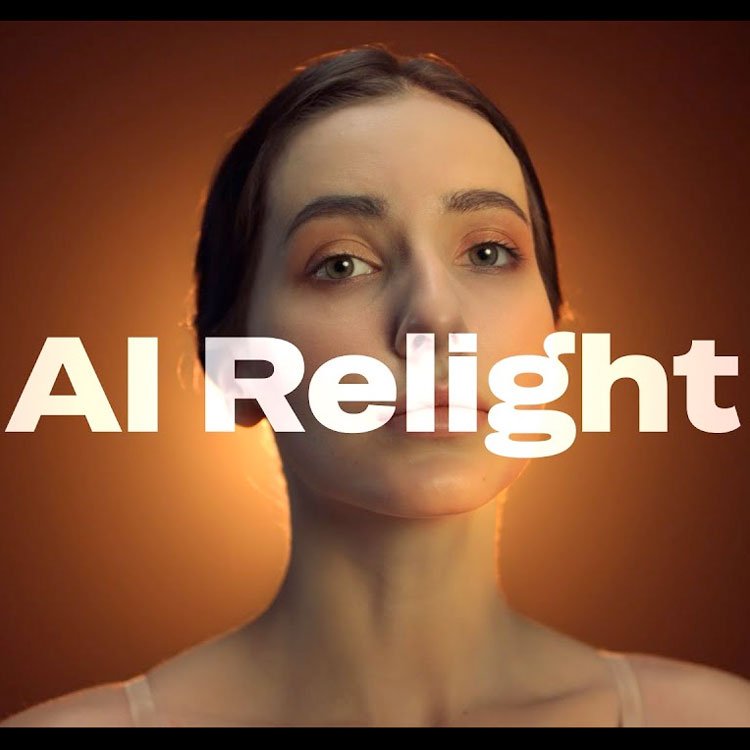
About AI Relight
AI Relight is a plugin for Adobe After Effects and Premiere Pro that adds virtual lights to footage in post‑production. The tool reads the 3D information of the source clip, allowing creators to place, animate, and color‑adjust lights along X, Y, and Z axes. Users can also output only the light layers for compositional flexibility. Version 1.1 added Premiere Pro 2025 support and expands After Effects compatibility to the 2022‑2025 releases. Mac OS is supported following earlier updates, and recent bug‑fix releases improve stability and performance. A demo video demonstrates the lighting workflow.
Features
- Adds customizable virtual lights to any footage in post
- Reads the 3D properties of footage to place fake 3D lights
- Control over how light bounces along the X, Y and Z directions
- Animate the position and color of individual lights
- Option to render only the lights
- Runs in both After Effects and Premiere Pro
- Mac support
Best for
Artists and editors who need to insert and animate virtual 3D lighting within After Effects or Premiere Pro projects.
Frequently asked questions
Which After Effects versions does AI Relight support?
AI Relight supports Adobe After Effects versions 2022, 2023, 2024, and 2025.
Does AI Relight work in Premiere Pro?
Yes. AI Relight works in Premiere Pro 2025, a capability introduced in version 1.1.
Does AI Relight run on Mac?
Yes. The plugin runs on macOS; Mac support was added in an earlier update and has since been refined.
Is AI Relight free to use?
The catalog lists AI Relight as free, but licensing terms may change, so checking the developer’s site for current pricing is recommended.
Related plugins
Explore AI Relight
View download and installation options.