
Right Mouse Navigation is a free Blender add‑on that maps Game Engine‑style walk controls to the right mouse button in the 3D Viewport and optionally in Node Editors, using W, A, S, D, Q, E keys and configurable hold‑click timing.
Download Right Mouse Navigation ↗
Developed by SpectralVectors.
About Right Mouse Navigation
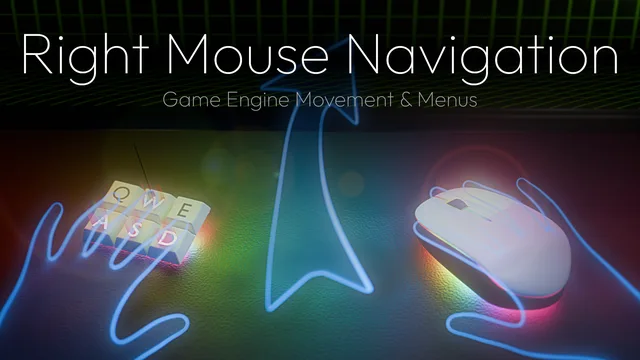
Right Mouse Navigation, developed by SpectralVectors, lets Blender users hold the right mouse button to activate walk navigation, moving through the scene with W, A, S, D, Q and E keys. A quick right‑click returns the standard context menu. An adjustable Time Threshold in the add‑on preferences defines the hold versus click boundary. An optional mode extends this behavior to Node Editors: holding right mouse pans the view, while a click opens either the Node Context or Node Search menu depending on selection. The add‑on supports both Left and Right Click Select, though switching between these selection modes requires a Blender restart for the keymap to update correctly. Version 2.8.0 added Unity‑style Middle Mouse and Alt‑key options. It runs on Blender 4.2 LTS and newer, is released under GPL‑3.0 or later, and has been downloaded about 30,000 times with a 5.0 rating from 56 reviews.
Features
- Hold Right Mouse to enable Walk Navigation, moving through the scene with the W, A, S, D, Q and E keys
- Click Right Mouse to open Blender’s standard context menus
- Adjustable Time Threshold in preferences to distinguish a hold from a click
- Optional Node Editor mode: hold to pan, click for the Node Context menu or Node Search menu depending on selection
- Supports both Left and Right Click Select
- Unity-style Middle Mouse and Alt key options added in version 2.8.0
Best for
Blender users who want Game Engine‑style walk navigation in the 3D Viewport and optional navigation controls in Node Editors.
Frequently asked questions
Does Right Mouse Navigation work with Blender 4.2?
Yes. Right Mouse Navigation is compatible with Blender 4.2 LTS and newer releases; no extra permissions are needed to install the add‑on.
How do I switch between walking and opening menus in Right Mouse Navigation?
Hold the right mouse button to enable Walk Navigation and move with W, A, S, D, Q, E; a quick click opens Blender’s standard context menus. The Time Threshold setting lets you adjust how long a press must be to trigger walk mode.
Does Right Mouse Navigation support Left Click Select?
The add‑on supports both Left Click Select and Right Click Select. Changing between these selection modes requires restarting Blender for the keymap to update properly.
Is Right Mouse Navigation free to use?
The add‑on is free to use. It is distributed under the GNU General Public License v3.0 or later and does not require any payment.
Related plugins
Explore Right Mouse Navigation
View download and installation options.