
Simply Tear is a free Blender add‑on that lets you draw tear lines on a mesh and run a Fast Cloth simulation to generate realistic cuts or torn effects, with preset styles and multilingual interface.
Developed by VjaceslavT.
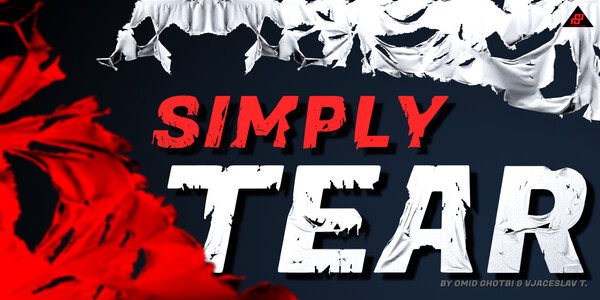
About Simply Tear
Simply Tear, created by Omid Ghotbi and Vjaceslav T., is a Blender add‑on for generating realistic tearing or sharp cuts on 3D objects. The workflow is straightforward: select the object, draw tear lines, and activate the Fast Cloth simulation to see the damage develop. The add‑on includes multiple tearing methods and presets—Rough, Regular, and Sharp—allowing quick style selection, though the Sharp preset can be performance‑intensive on high‑poly meshes. It is distributed under the MIT license and provides interface translations in English, French, German, and Russian. Compatibility is listed for Blender versions 4.4 through 5.0, and the add‑on can be combined with cloth simulation for dynamic responses. Support and updates are offered for 12 months from the developer.
Features
- Draw tear lines on a selected object, then simulate with the Fast Cloth button
- Combine with cloth simulation so the object responds dynamically to the tears
- Multiple tearing methods for different styles
- Presets for Rough, Regular, and Sharp tearing
- Interface in English, French, German, and Russian
- Released under the MIT license
- Includes 12 months of support and product updates
Best for
Creating battle damage, horror visual effects, and torn materials such as fabric, paper, or skin in Blender scenes.
Frequently asked questions
Which Blender versions does Simply Tear support?
Simply Tear is compatible with Blender versions 4.4 through 5.0 and is delivered as a Blender Extension add‑on.
How does Simply Tear create tears on an object?
The add‑on lets you select an object, draw custom tear lines, then run the Fast Cloth simulation to generate the tear geometry; combining it with cloth simulation shows dynamic deformation.
Is Simply Tear free to use?
The catalog lists Simply Tear as free, but users should verify current pricing and licensing on the developer’s page before commercial use.
What license is Simply Tear released under?
Simply Tear is released under the MIT license, a permissive open‑source license that allows commercial use subject to the license terms.
What languages does Simply Tear support?
Interface translations are provided for English, French, German, and Russian.
Related plugins
Explore Simply Tear
View download and installation options.