
ND Primitives is a free Blender add‑on that provides non‑destructive parametric primitives, allowing you to edit shapes in Edit Mode and re‑enable a modifier later to adjust parameters in Object Mode.
Developed by Dan-Gry.
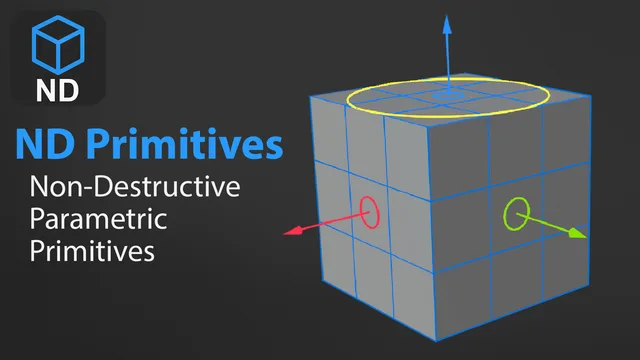
About ND Primitives
ND Primitives, developed by Dan‑Gry, adds a broad set of parametric primitives to Blender, including Grid, Cube, UV Sphere, Ico Sphere, Cylinder, Cone, Torus, Quad Sphere, Capsule, Quad Capsule, Mod Cylinder, Spiral and Tube. Each primitive remains parametric via a modifier, so you can model in Edit Mode without applying anything and later re‑enable the modifier to tweak parameters in Object Mode. The add‑on includes full material and UV support, adaptive resolution, gizmo integration, pivot point positioning, origin‑at‑bottom and origin‑at‑corner options, and auto‑scaling relative to the viewport. A customizable pie menu is provided, and it works alongside Blender’s Edit Mesh Modifier. ND Primitives is compatible with Blender 4.2 LTS and newer and is released under the GNU GPL v3.0 or later.
Features
- Full material and UV support out of the box
- Auto-scaled objects relative to the current 3D viewport view, with origin at bottom and origin at corner options (minus key inverts the value)
- Pivot point position setting, adaptive resolution, and gizmo support
- Wide range of parametric primitives: Grid, Cube, UV Sphere, Ico Sphere, Cylinder, Cone, Torus, Quad Sphere, Capsule, Quad Capsule, Mod Cylinder, Spiral and Tube
- Enter Edit Mode and model without applying modifiers, then re-enable the modifier to keep tweaking in Object Mode
- Customizable pie menu
- Works alongside the Edit Mesh Modifier from Modifier List
Best for
Blender artists who need a variety of parametric primitives that can be edited non‑destructively throughout the modeling workflow.
Frequently asked questions
Does ND Primitives work with Blender 4.2?
Yes. ND Primitives is compatible with Blender 4.2 LTS and any later Blender releases.
How do I install ND Primitives?
Install ND Primitives by placing the add‑on file in Blender’s extensions folder or using the drag‑and‑drop installer in Blender’s preferences, then enable it in the add‑on list.
How do I keep a primitive editable after adding it in ND Primitives?
Each primitive stays parametric through a modifier, letting you enter Edit Mode and model without applying the modifier; later you can re‑enable the modifier to change parameters in Object Mode before returning to modeling.
Is ND Primitives free, and what license does it use?
ND Primitives is listed as free and is distributed under the GNU General Public License v3.0 or later.
Related plugins
Explore ND Primitives
View download and installation options.