
Quick Studio Light is a free Blender add-on that speeds up studio lighting placement, offering hover‑based light positioning, area‑based light selection, and a customizable shortcut system, compatible with Blender 4.2 LTS and later.
Developed by Shuimeng.
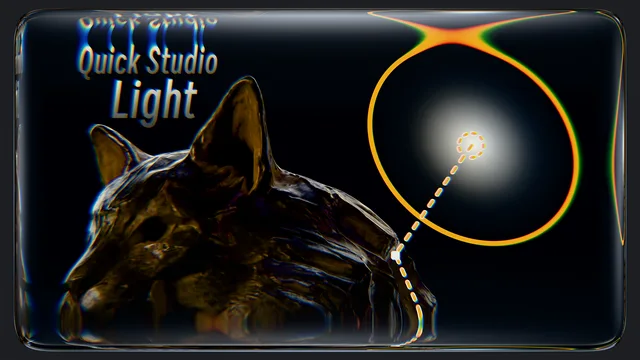
About Quick Studio Light
Quick Studio Light is a Blender add-on for rapid studio light setup with enhanced selection tools. Shift + R activates Lighting Mode, allowing the cursor to hover over objects and automatically control a light to illuminate the target area. Spacebar switches to Precision Adjustment Mode, where Left Mouse confirms placement and Right Mouse or Esc cancels it. Ctrl + Right Mouse opens a Light Parameters Panel that displays standard light settings together with parameters pulled from light node groups, enabling direct node adjustments. Alt + Right Mouse selects a light by clicking an area it lights, eliminating the need to locate scattered lights manually. Shortcut keys for these four core functions can be customized in the Preferences, a feature added in version 1.1.9. The add-on runs on Blender 4.2 LTS and newer and is released under the GNU General Public License v3.0 or later.
Features
- Lighting Mode activated with Shift + R; hovering the cursor over an object automatically controls the light to illuminate the target area
- Precision Adjustment Mode via Spacebar, with Left Mouse to confirm placement and Right Mouse or Esc to cancel
- Light Parameters Panel opened with Ctrl + Right Mouse, showing standard light parameters plus parameters automatically retrieved from light node groups
- Alt + Right Mouse selects the corresponding light by clicking an area it illuminates, without searching through scattered lights
- Customizable shortcuts for the four main features in the Preferences settings
- No special permissions required
Best for
Blender artists who need fast studio lighting placement, precise adjustment, and easy selection of existing lights by their illuminated areas.
Frequently asked questions
Does Quick Studio Light work with Blender 4.2?
Yes. Quick Studio Light is compatible with Blender 4.2 LTS and any newer Blender version.
Can I customize the keyboard shortcuts in Quick Studio Light?
Yes. Shortcut keys for the add-on’s main features can be reassigned in the Preferences settings.
How do I select a specific light with Quick Studio Light?
Press Alt + Right Mouse on an illuminated area of the model; the add‑on selects the light that is lighting that area.
Is Quick Studio Light free?
The add‑on is listed as free and is distributed under the GNU General Public License v3.0 or later.
Related plugins
Explore Quick Studio Light
View download and installation options.