
True-VDB is a Blender volume simulation library providing over 50 animated VDB assets—including fire, explosions, weather, and magic effects—that can be added to scenes with a single click, offering ready‑to‑use shaders and multi‑pack import on Windows, macOS, and Linux.
Developed by True-VFX.
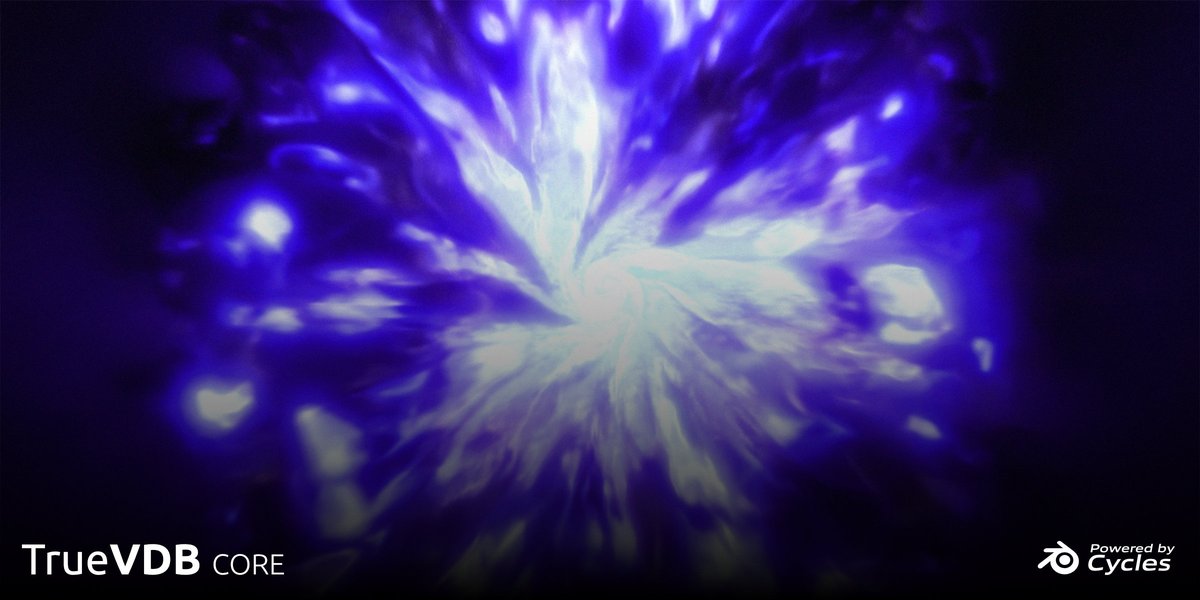
About True-Vdb
True-VDB offers a growing collection of more than 50 animated VDB sequences for Blender, covering explosions, fire, weather, and magical effects. The base version includes ten assets; the free version provides none of these but retains the addon functionality. Each VDB is pre‑animated, with some loops designed for seamless playback, and shaders are pre‑tuned with tweakable parameters and material swapping options. Users can browse the library and click ADD to insert assets into a scene, or select multiple files for batch import using a progress bar. The addon is fully modular, customizable, and runs on 64‑bit Windows 10+, macOS, and Ubuntu 19+ Linux systems. Documentation and a demo video accompany the plugin.
Features
- Library of over 50 VDB sequences covering explosions, fire, weather and magic effects, with 10 assets in the base version
- Animated VDBs, with some looped to run seamlessly
- Pick-and-click adding: browse for a VDB and click ADD to append it into the scene animated and ready to go
- Shaders tuned out of the box, with tweakable values and the ability to swap between materials
- Multi-pack import with a progress bar for importing selected files together
- Fully modular and customisable
- Runs on Windows, MacOS and Linux
Best for
Blender artists who need ready‑made, animated volume assets for fire, explosions, weather, or magical effects without creating simulations from scratch.
Frequently asked questions
Are the loops in True-VDB seamless?
Looped VDB assets are intended to play seamlessly, especially when used at 24, 25, or 30 fps; not all assets are looped.
Can I use True-VDB packs without the addon?
The VDB packs are designed to be used through the True-VDB addon; using them outside the addon is possible but unsupported.
What are the system requirements for True-VDB?
Minimum: 64‑bit quad‑core CPU, 8 GB RAM, GPU with 2 GB VRAM and OpenGL 4.3. Recommended: 64‑bit eight‑core CPU, 32 GB RAM, GPU with 8 GB VRAM. Supported OS: Windows 10+, macOS, Ubuntu 19+.
What render times can I expect with True-VDB?
Render times depend on hardware; GPU rendering is faster than CPU, and higher‑end GPUs with more cores (CUDA, OptiX, or Stream Processors) will reduce render duration.
Can I use True-VDB assets for commercial projects?
Assets may be used in commercial, educational, or personal projects; licensing details and any restrictions are defined by the developer.
Related plugins
Explore True-Vdb
View download and installation options.