
FlaxTrax is a free Blender add‑on that automates camera tracking and solving with a single click, handling trackers, focal length detection, bad‑track cleanup, masking, and support for both image sequences and video files.
Download Flaxtrax – Automated Camera Tracking ↗
Developed by Axel Olsson.
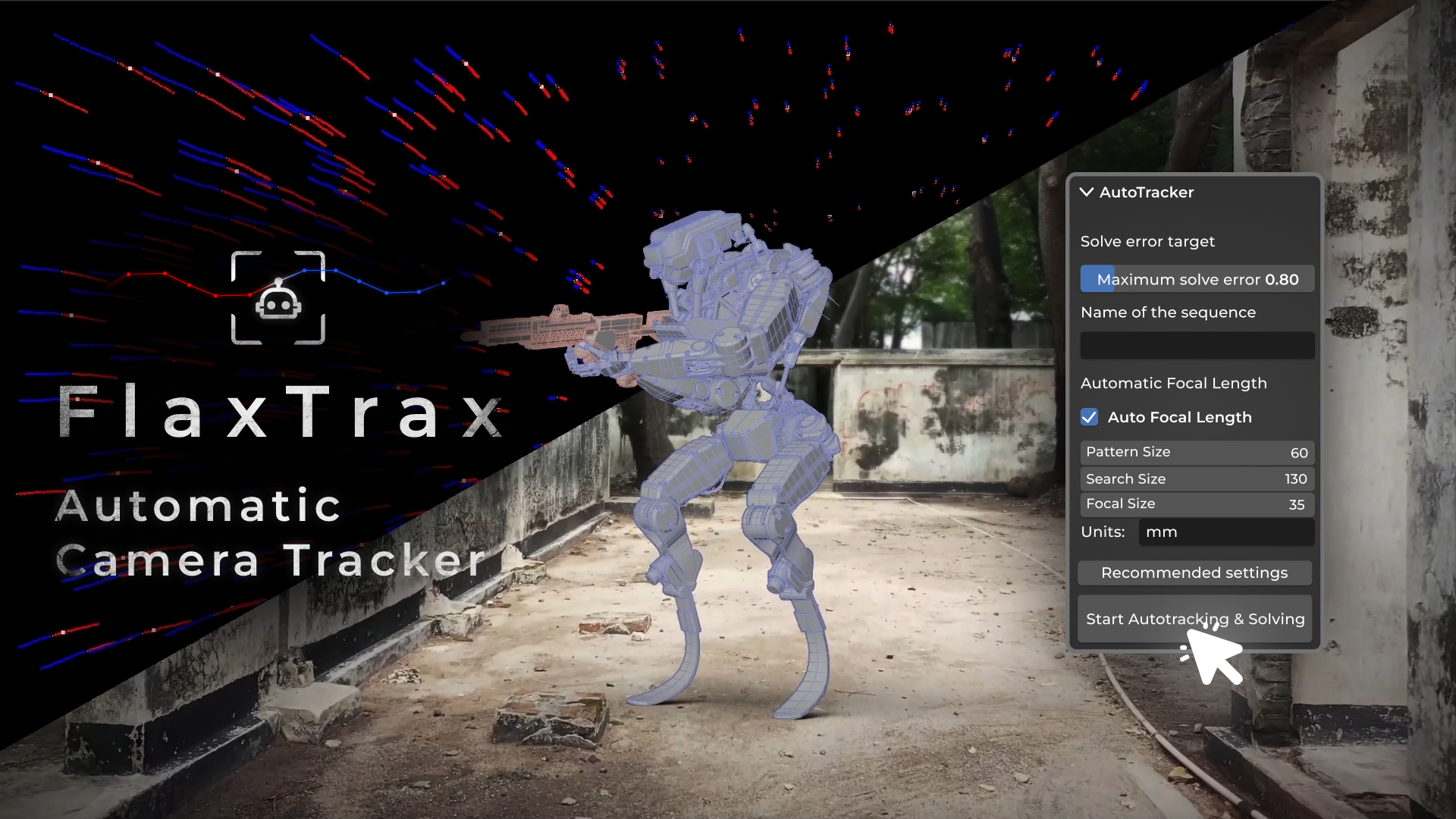
About Flaxtrax – Automated Camera Tracking
FlaxTrax is an automated tracking and solving add‑on for Blender that removes the manual steps of motion tracking. One click adds trackers, adjusts settings, processes footage, resolves the solve, cleans bad tracks, applies filters, and works toward a target solve error. The add‑on detects focal length, retains sufficient trackers across frames, and matches the tracked footage length to the original. Users set pattern and search sizes, and a masking feature excludes moving objects like people or vehicles. It supports vertical footage, advanced motions, image sequences and video files (added in version 1.7.0). The tool resides in Blender’s motion track side panel and typically completes calculations within twenty‑five minutes. A demo video illustrates its workflow.
Features
- One-click automatic tracking and solving of the full footage, working toward a target solve error
- Automatic focal length detection, with an Auto Focal Length option
- Automatic clean-up of bad tracks and filtering of trackers
- User-defined pattern size and search size for trackers
- Masking feature to exclude moving elements such as people or vehicles
- Works with both image sequences and video files (added in 1.7.0)
- Handles vertical footage and can track advanced motions
Best for
Blender artists who need rapid, automated camera tracking and solving without manually placing and cleaning trackers.
Frequently asked questions
Does FlaxTrax work with Blender 4.2?
Yes. Version 1.7.1 is listed as compatible with Blender 4.2 and appears in the motion track side panel after installation.
How do I install FlaxTrax in Blender?
Install by downloading the zip file and loading it via Blender’s Add‑ons menu without unzipping; then enable the add‑on to access FlaxTrax in the motion track side panel.
Can FlaxTrax track vertical footage?
Yes. FlaxTrax includes a “Use Vertical Footage” option that enables tracking of vertical video after a camera is present in the scene.
Does FlaxTrax work with video files or only image sequences?
FlaxTrax works with both image sequences and video files; video support was added in version 1.7.0.
Is FlaxTrax free?
The catalog lists FlaxTrax as free, but licensing terms may change, so users should verify the current license on the developer’s page.
Related plugins
Explore Flaxtrax – Automated Camera Tracking
View download and installation options.